Payroll software
Payroll software is a tool that HR and payroll professionals use to manage the entire payroll process, from start to finish.
From adding new employees to the payroll to making sure everything is legal and keeping payroll records until they leave, there are many repetitive tasks to do each month.
Payroll software makes it easy for professionals to track all these activities from one place.
Importance of payroll software for a business:
- Save time and money: Payroll software can save you time and money by automating payroll tasks like calculating wages, deducting taxes, and generating paychecks.
- Improve accuracy: Payroll software can help you avoid errors in payroll processing.
- Ensure compliance: Payroll software can help you follow tax laws and other rules.
- Improve employee satisfaction: Payroll software can help you pay employees accurately and on time, which makes them happy.
- Manage employee benefits: Payroll software can help you manage employee benefits, like health insurance, retirement savings, and paid time off.
- Track employee performance: Payroll software can help you track how well employees are doing.
- Generate reports: Payroll software can create reports about your payroll data, like payroll costs, employee turnover, and employee benefit use.
Features for payroll software
1. Automating payroll:
Automating payroll is the process of using software to streamline and automate the tasks involved in payroll processing. This can include everything from calculating wages and deductions to generating paychecks and filing taxes.
- Benefits to automating payroll, including:
- Accuracy
- Efficiency
- Compliance
- Cost savings
2. Securing payroll data:
- Use a secure payroll software program: Use payroll software with security features to protect your data.
- Limit access to payroll data: Give access to payroll data only to employees who need it.
- Encrypt payroll data: Scramble payroll data so no one can see it without the key.
- Use strong passwords: Use hard-to-guess passwords and change them often.
- Educate employees on cybersecurity: Teach employees about cybersecurity so they can protect payroll data.
- Store payroll data on secure servers: Store payroll data on safe computers and back it up often.
- Audit payroll data regularly: Check payroll data often to find any unauthorized changes or suspicious activity.
- Keep payroll software up to date: Install payroll software updates right away to fix security holes.
3. Tracking payroll expenses:
- Keeping track of payroll costs is important for businesses. It helps them know how much they are spending on payroll, find ways to save money, and follow tax laws and other rules.
- You can track payroll costs in a spreadsheet by writing down employee hours worked, pay rates, and deductions. This takes time, but it’s easy to do.
- Payroll software can track payroll costs for you. It can calculate wages and deductions, generate paychecks, and file payroll taxes. This saves businesses time and effort.
- No matter how you track payroll costs, make sure you do it right every time. This will help you make good decisions about your finances and avoid problems.
- In addition to tracking payroll expenses, businesses can also use this data to identify areas where they can save money. For example, businesses can use payroll data to:
- Identify employees who are underutilized or overpaid.
- Optimize employee schedules to reduce overtime costs.
- Negotiate better rates with health insurance and other benefits providers.
- Make more informed decisions about hiring and firing decisions.
4. Integration with relevant business apps:
Payroll software integration is connecting your payroll system to other business apps. This automates data exchange and syncs data across systems, saving you time, money, and reducing errors.
Here are some of the benefits of integrating payroll software with relevant business apps:
- Improved accuracy: By integrating systems, businesses can ensure that data is consistent and accurate across all applications. This can help to reduce errors and improve the overall accuracy of payroll processing.
- Increased efficiency: Integration can help businesses to automate workflows and eliminate the need for manual data entry. This can save time and money, and allow employees to focus on more strategic tasks.
- Enhanced visibility: Integration can provide businesses with a single view of their data, making it easier to identify trends and patterns. This information can be used to improve decision-making and operations.
Some of the most common business apps that integrate with payroll software include:
- Human resources (HR) software
- Accounting software
- Time tracking software
- Benefits administration software
- Customer relationship management (CRM) software
When picking payroll software, make sure it works with your other business apps. Most payroll software providers offer integrations with many popular business apps, but it’s always best to check to make sure.
Here are some examples of how businesses can benefit from integrating payroll software with relevant business apps:
- A retail business can connect its payroll software with its CRM software to track employee sales commissions and generate paychecks automatically.
- A manufacturing company can connect its payroll software with its ERP system to make payroll easier and more accurate.
- A healthcare provider can connect its payroll software to its patient records system to track employee hours worked and generate paychecks for on-call work.
5. Avoid Penalizing
Payroll software can help businesses avoid paying fines and penalties from the government by automating payroll and ensuring that payroll taxes are paid accurately and on time.
Here are some specific ways that payroll software can help businesses avoid penalties:
- Accurate payroll tax calculations: Payroll software helps businesses calculate payroll taxes correctly, so they don’t get fined.
- On-time payroll tax payments: Payroll software helps businesses pay payroll taxes on time, so they don’t get fined.
- Automated payroll filings: Payroll software files payroll taxes automatically, so businesses don’t make mistakes or miss deadlines.
- Compliance with payroll laws and regulations: Payroll software helps businesses follow payroll laws and rules, so they don’t get fined.
In addition to helping businesses avoid penalties, payroll software saves businesses time and money by automating payroll tasks and reducing errors.
Payroll software is a good tool for all businesses, big or small. It helps them avoid fines, save time and money, and follow payroll laws.
Here are some additional tips for avoiding penalties by using payroll software:
- Pick payroll software that is right for your business size and industry. There are many different payroll software options, so it’s important to choose the right one.
- Keep your payroll software up to date. Payroll software providers release updates regularly to follow the latest tax laws and rules.
- Teach your employees how to use the payroll software correctly. This will help them avoid mistakes.
- Check your payroll records often to make sure they are accurate and that all payroll taxes have been paid.
Follow these tips to use payroll software to avoid fines and make sure payroll is accurate and follows the rules.
Few Major Payroll Software
There are many payroll software options available, from simple solutions for small businesses to comprehensive systems for large enterprises. Here are a few major payroll software options in India:
- Tally Prime
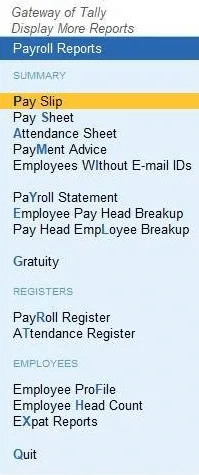
- GreytHR
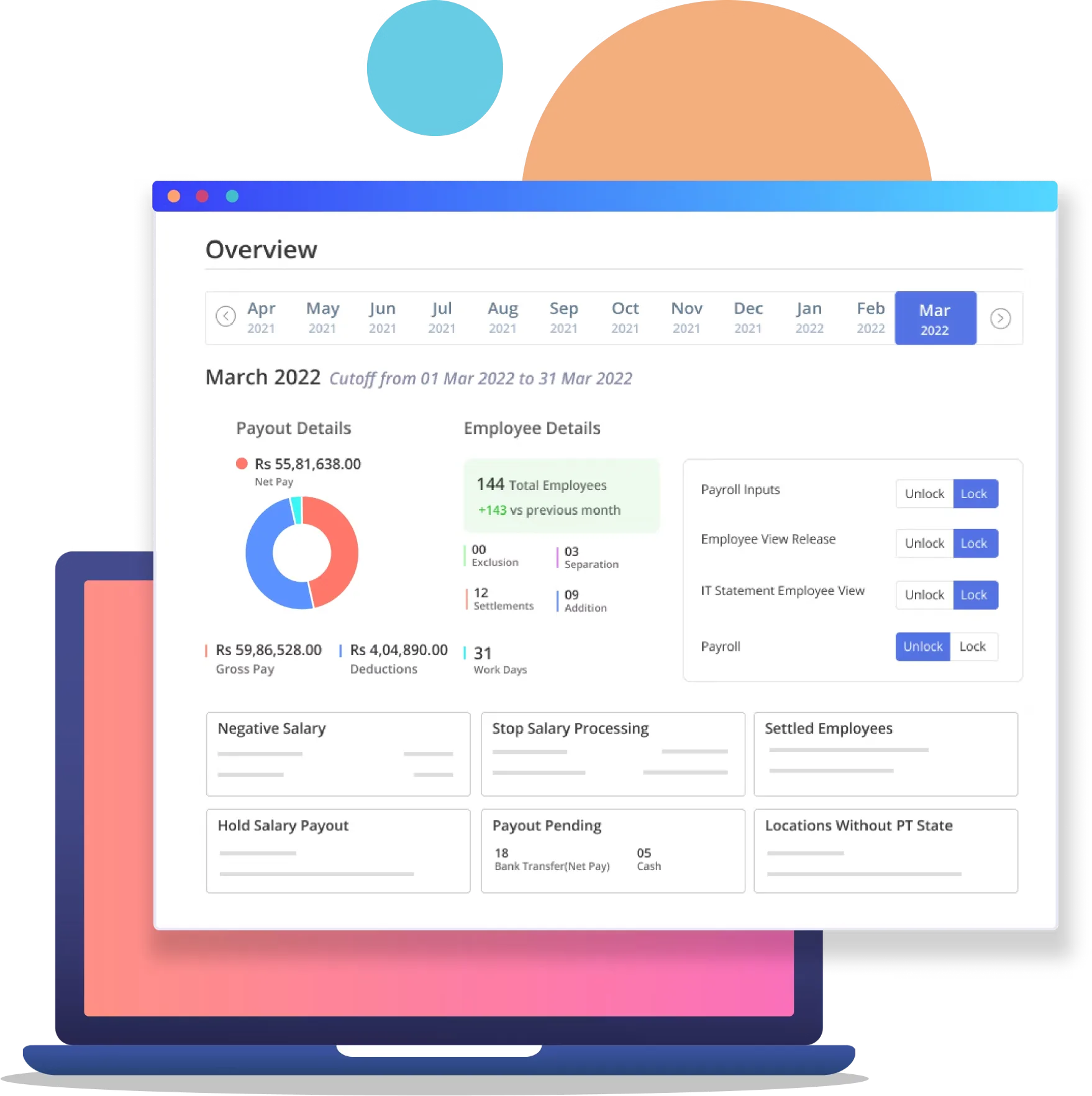
- sumHR
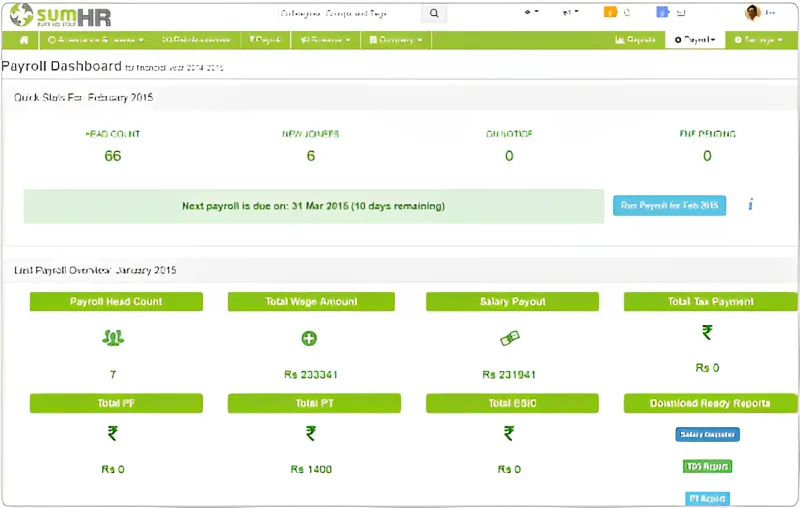
- Keka HRMS
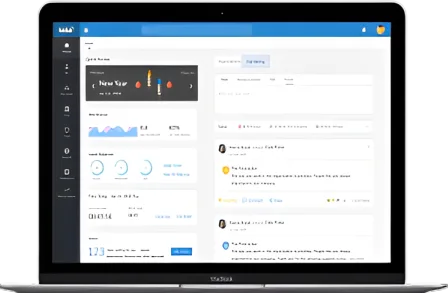
- factoHR
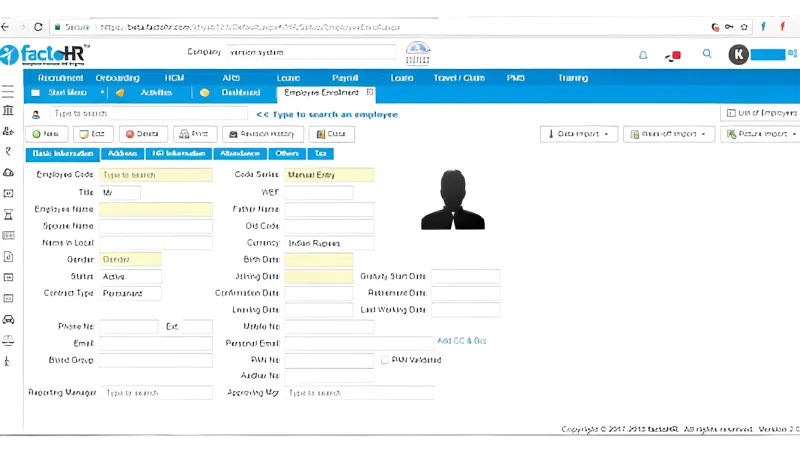
- Saral PayPack
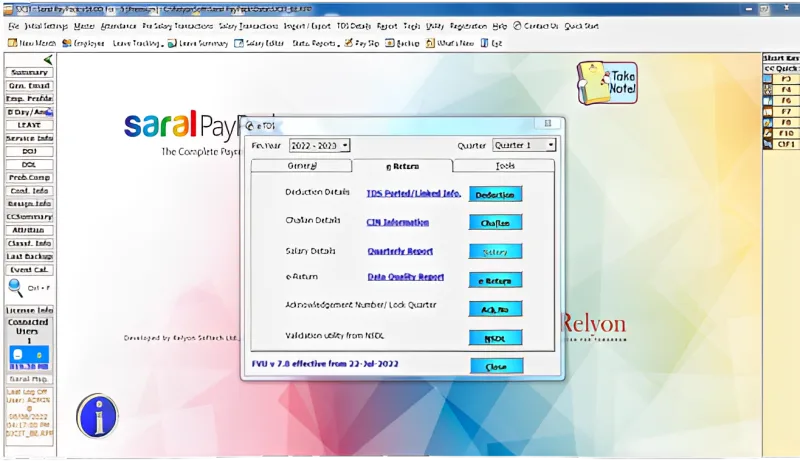
When choosing a payroll software in India, it is important to consider the following factors:
- The size of your business
- The number of employees you have
- The features you need
- Your budget
- The compliance requirements of Indian law
It is also important to read reviews and compare different payroll software options before making a decision.
TallyPrime as Payroll Software
TallyPrime’s payroll feature works with accounting to make payroll easier. Businesses can set up and process payroll using basic or complex rules. TallyPrime’s built-in processes automate payroll without errors.
Payroll also provides management information, government forms, and reports in standard formats, such as:
- Pay slips, payroll statements, and attendance and overtime registers.
- Gratuity, provident fund (PF), employee state insurance (ESI), national pension scheme (NPS), professional tax (PT), and income tax (IT) forms and reports.
- Expat reports.
TallyPrime has payroll features that let you create and process payroll. Use the Payroll Info. menu to create payroll master’s for computing employee earnings and deductions.
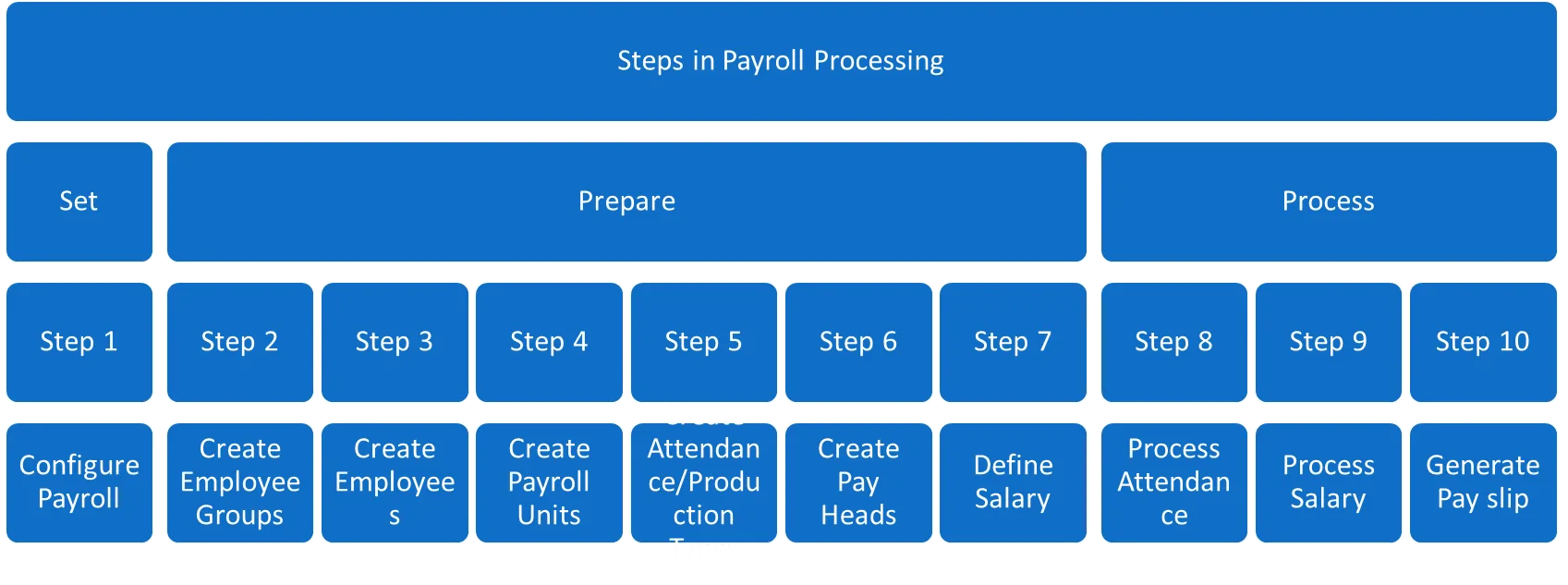
Steps for Payroll Processing using TallyPrime
To process payroll in TallyPrime, follow these steps: